Choosing an agentic AI framework by feature count is a reliable way to build the wrong system. A unified experiment across 22 frameworks found that 12 representative options clustered within just 1.4 percentage points in mean accuracy, yet individual results varied sharply by task. The practical lesson is to test a framework on your own workflow, tools, and data, not to assume a general benchmark predicts production fit. (Benchmark comparison of agentic frameworks)
The best agentic AI framework is rarely the one with the longest feature list. It's the one that matches your agent's state, data sources, deployment environment, team skills, and governance requirements. This roundup compares 10 frameworks by implementation fit, with practical build scenarios, limitations, integration notes, and short code sketches to help you get from comparison to a prototype.
Agent systems are more than model calls. They coordinate tools, state, and decisions across a workflow, which makes the choice of AI orchestration central to a build. For enterprise projects, start with the outcome you need, then choose the smallest framework that can support its state management, integration, and operational controls.
1. OpenAI Agents SDK
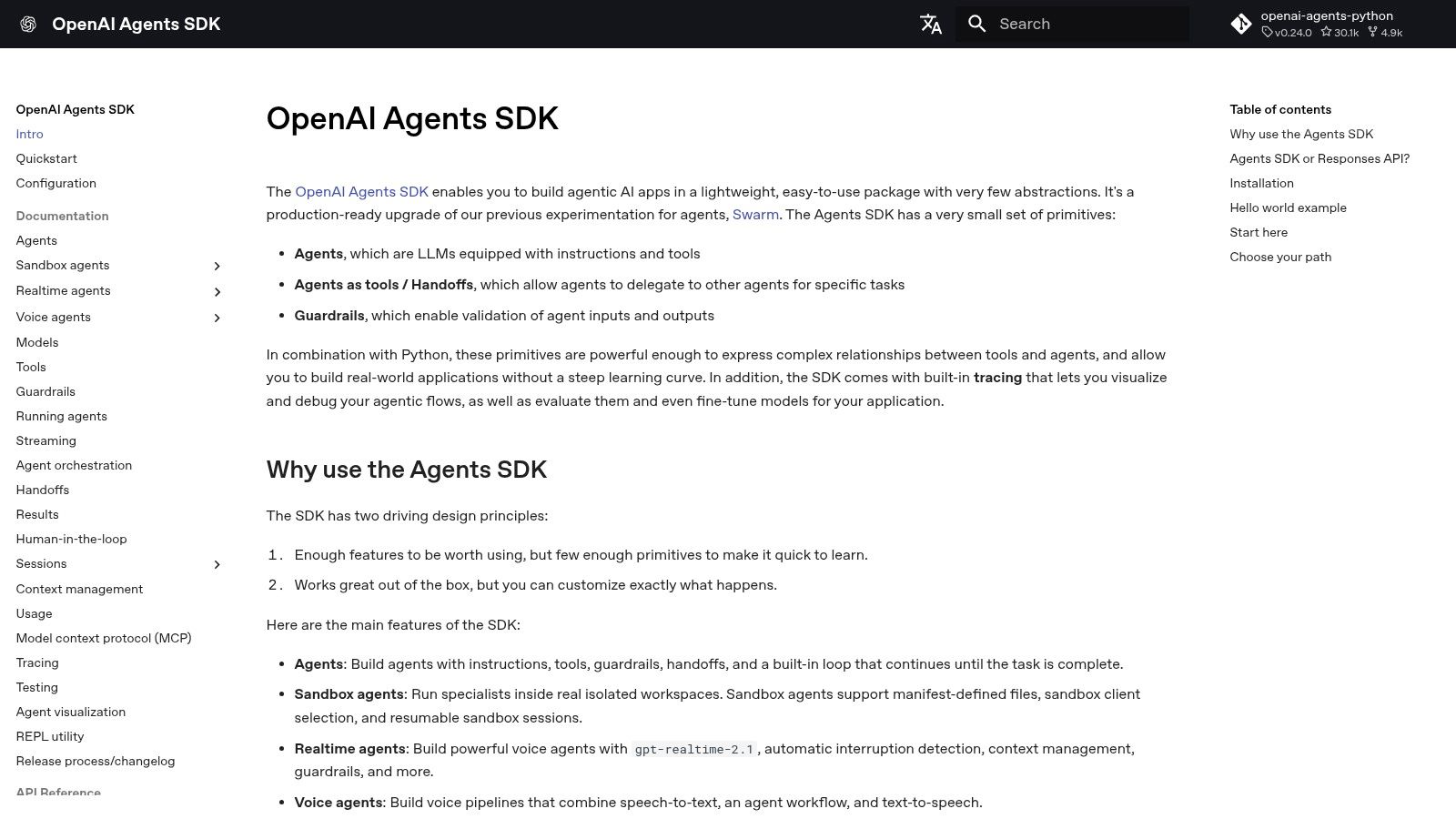
For a bounded workflow that needs tool calls and clear handoffs without a large orchestration layer, the OpenAI Agents SDK is a practical starting point. It's a lightweight Python and TypeScript SDK for single-agent and multi-agent systems, with a runner loop for multi-step work, guardrails, tracing, and hosted-tool integrations. The SDK is free to use, while model and API usage may incur costs.
It fits teams already using OpenAI models and wanting to connect a model to actions with relatively little glue code. A support assistant, for example, can classify a request, look up a customer record, and hand an exception to a specialist agent. Built-in tracing in the OpenAI dashboard helps developers inspect runs, while MCP and other tool integrations give them a route to external capabilities.
Where it fits, and where it pinches
The main trade-off is platform fit. OpenAI integrations reduce setup work if that's already your model stack, but using other providers can require more adaptation. Teams with VPC or air-gapped deployment requirements should plan the architecture and service boundaries before committing, rather than assuming a hosted workflow maps directly to a restricted environment.
A prototype can keep the agent's job narrow and pass a small set of explicit tools:
from agents import Agent, Runner

agent = Agent(
    name="Support triage",
    instructions="Classify the request and use approved tools only.",
    tools=[lookup_ticket, route_to_team],
)
result = Runner.run_sync(agent, "Check ticket 428 and route it if needed.")
Treat tool permissions and human approval as application design decisions, not features to bolt on after the agent works. For teams connecting AI to building operations, a bounded agent can complement Faberwork's smart-building AI work, where the important engineering question is how an AI capability connects to a real operational system safely.
2. LangGraph
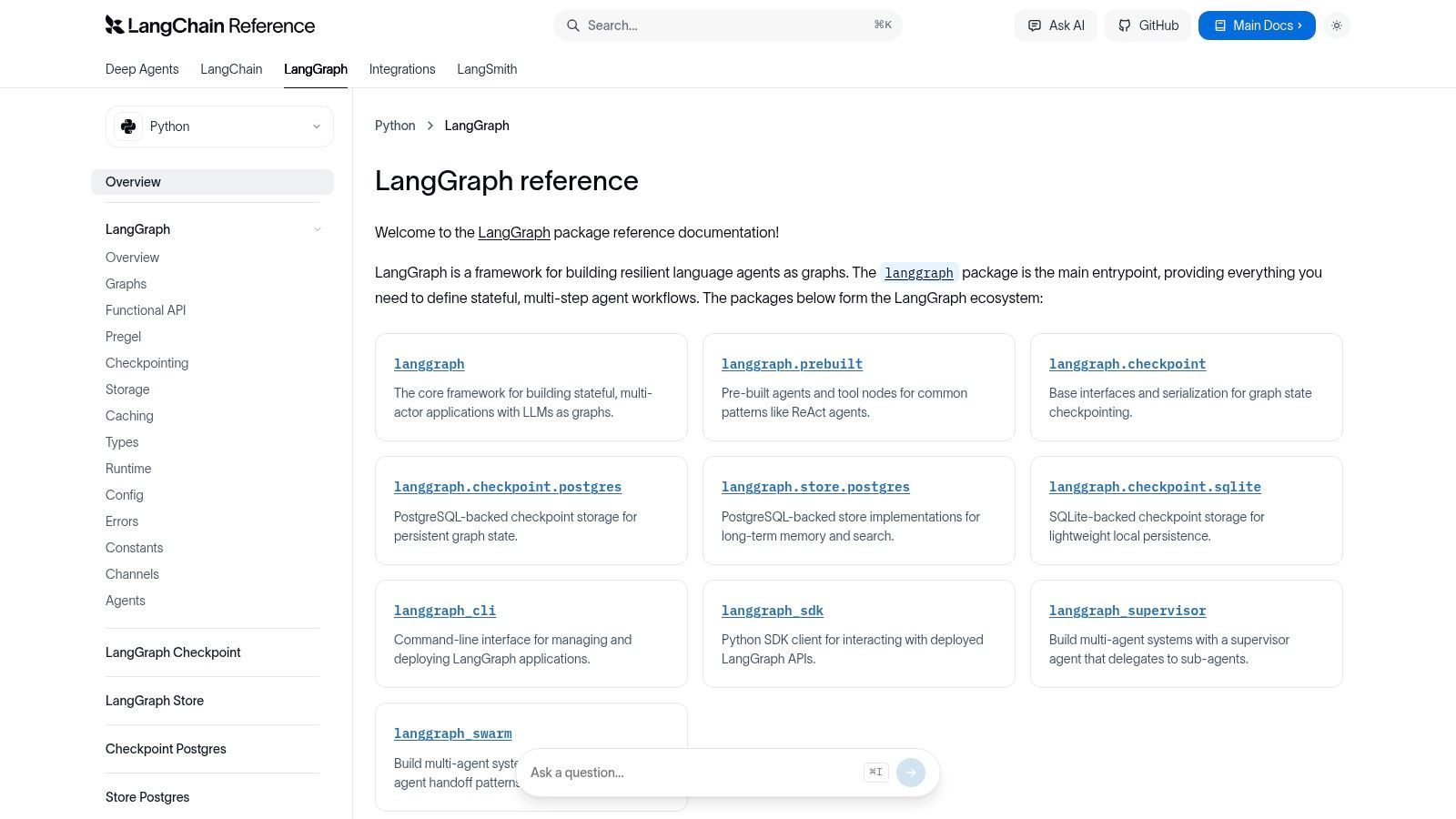
When an agent must pause, resume, or revisit earlier decisions, a graph is often easier to reason about than a free-running loop. LangGraph is a graph-native framework for stateful, cyclic, and multi-actor workflows. Its checkpointing, stores, memory, and supervisor or swarm patterns help teams make control flow explicit and recover state across runs.
That explicitness is the point. A service workflow can route a request through retrieval, verification, and approval, then resume from a saved checkpoint after a human review. LangGraph supports SQLite or Postgres checkpointing and provides Python and JavaScript tooling for development and deployment. The framework is open source; LangSmith is an optional paid option for evaluation and observability.
Make state transitions visible
A minimal graph defines nodes for work and edges for routing. That structure takes more thought than a quick agent loop, but it gives developers places to attach validation, logging, and recovery behavior.
from langgraph.graph import StateGraph, START, END

builder = StateGraph(WorkflowState)
builder.add_node("retrieve", retrieve_documents)
builder.add_node("verify", verify_answer)
builder.add_edge(START, "retrieve")
builder.add_edge("retrieve", "verify")
builder.add_edge("verify", END)
graph = builder.compile()
The downside is the learning curve. LangGraph offers several ways to express similar patterns, and related documentation spans products in the broader LangChain ecosystem. That flexibility pays off when the workflow needs state and branching, but it can slow teams whose task is just one tool call and a response.
Interactive media production offers a useful example of why workflow state matters: generation, review, and revision may happen in separate stages, with a person deciding when work proceeds. See how AI can support interactive media production when evaluating whether a graph-based workflow matches your process.
3. LlamaIndex Agents and Workflows
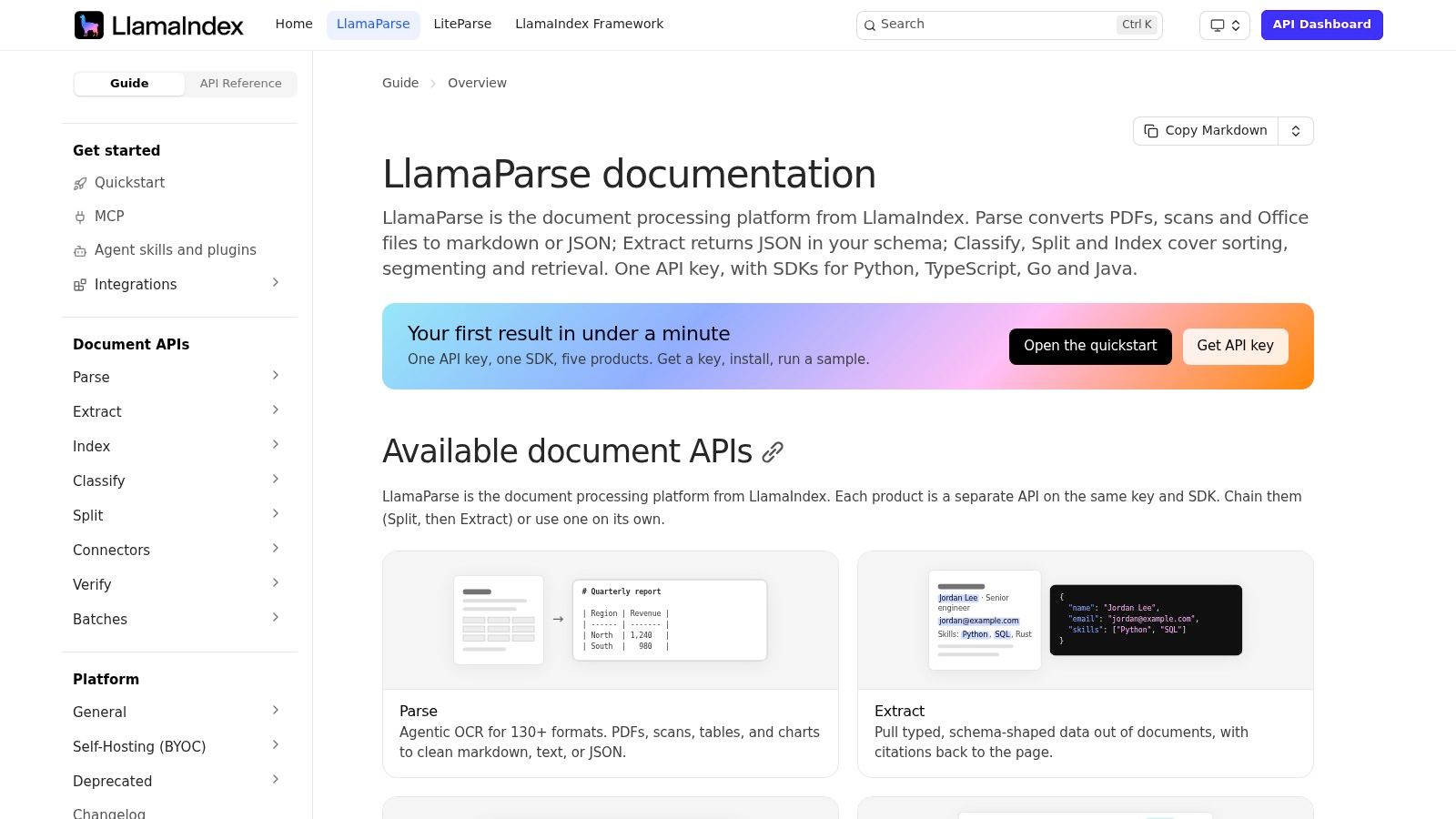
Choose LlamaIndex when the agent's primary job is working with enterprise knowledge, documents, and retrieval. Its application framework combines data connectors and structured tools with agent options such as FunctionAgent, ReActAgent, and CodeActAgent. The composable workflow system supports more than a simple question-and-answer retrieval pattern, while Python and TypeScript SDKs give teams options across their stack.
A document research assistant could retrieve relevant records, call a structured lookup tool, and synthesize an answer with a review step. The core framework is open source. LlamaCloud offers managed parsing and pipelines, which can simplify document preparation but may increase vendor coupling.
Keep retrieval and action distinct
A useful prototype should make the evidence path visible: connect a source, retrieve content, then let the agent call only the actions the workflow requires. Avoid allowing a knowledge assistant to write to systems merely because a connector makes it possible.
from llama_index.core.agent.workflow import FunctionAgent

agent = FunctionAgent(
    tools=[search_documents, get_account_status],
    system_prompt="Use retrieved evidence and approved tools to answer.",
)
LlamaIndex's strength in data-centric applications can become a liability if teams let retrieval, routing, memory, and tool execution grow into one opaque workflow. Keep the components modular and record which source and tool informed each important result. That discipline matters in data-intensive environments, where a fluent answer isn't enough if users can't inspect its provenance.
4. Microsoft Agent Framework (MAF) and Semantic Kernel Agent Orchestration
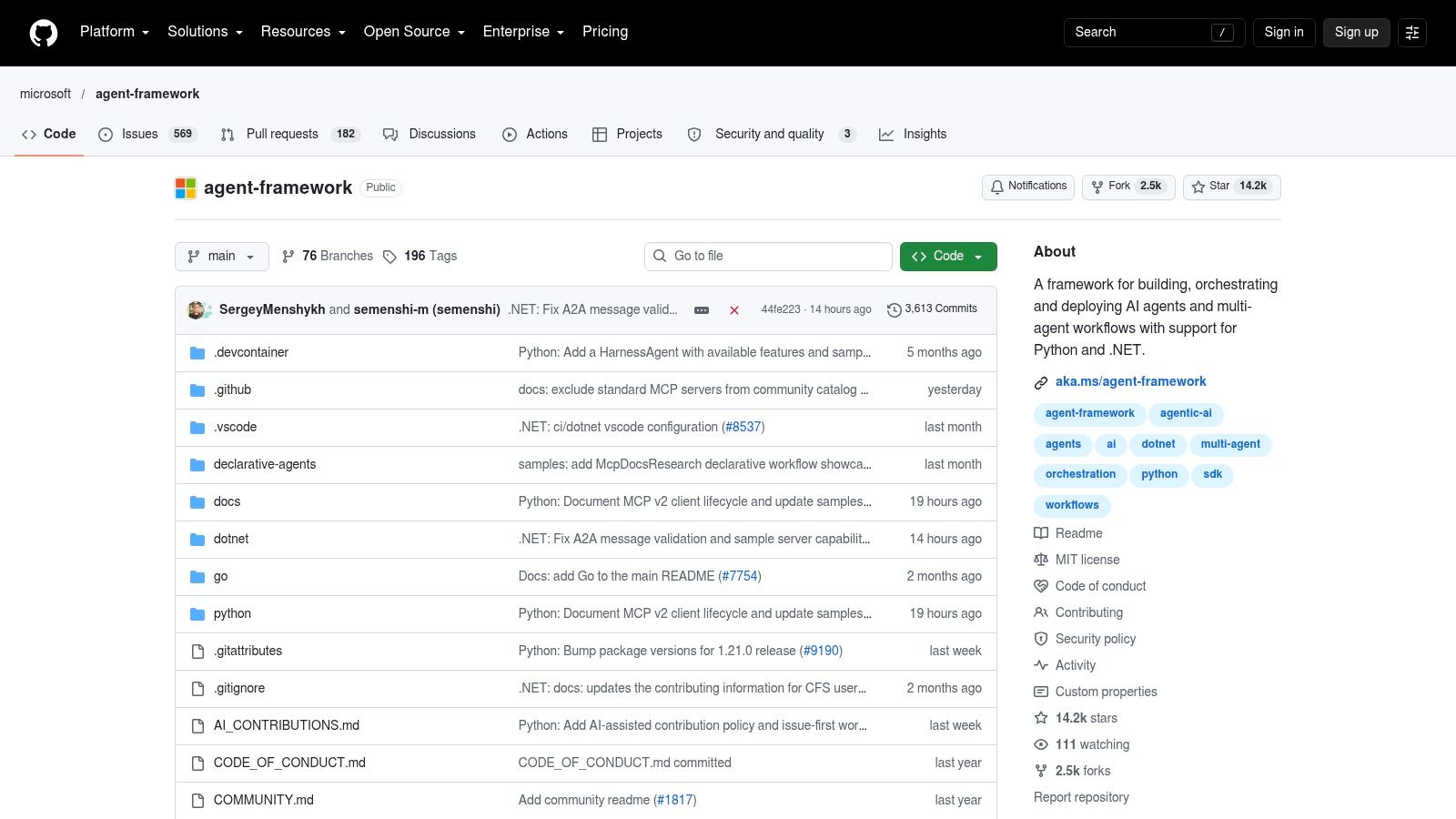
Microsoft Agent Framework brings together work from AutoGen and Semantic Kernel for building and orchestrating single-agent and multi-agent systems in Python and .NET. It's a natural candidate for organizations already invested in Azure or .NET that need orchestration patterns, concurrency, planners, and data transforms in the same engineering environment.
Samples cover Azure OpenAI, OpenAI, and GitHub integrations, and the framework supports Semantic Kernel agents and multi-agent patterns. That breadth gives Microsoft-oriented teams a route from a prototype toward an application that uses familiar services. Provider and infrastructure costs depend on the services a team chooses.
A sensible fit for Microsoft-centric stacks
The trade-off is maturity and portability. Some capabilities are evolving, Java orchestration doesn't yet have parity, and Azure-first samples may need adaptation outside that environment. Test your actual identity, deployment, and model-provider requirements instead of treating sample code as a production blueprint.
A simple orchestration sketch makes the intended separation clear:
# Illustrative structure, adapt imports to the framework version in use.
research_agent = make_agent("Research", tools=[search_docs])
review_agent = make_agent("Review", tools=[check_policy])
workflow = sequence(research_agent, review_agent)
Keep deterministic checks in ordinary code or policy services. Let agents interpret requests and coordinate approved actions, but don't make a prompt the only enforcement point for a business rule. That distinction is especially useful when several agents share enterprise systems.
5. CrewAI
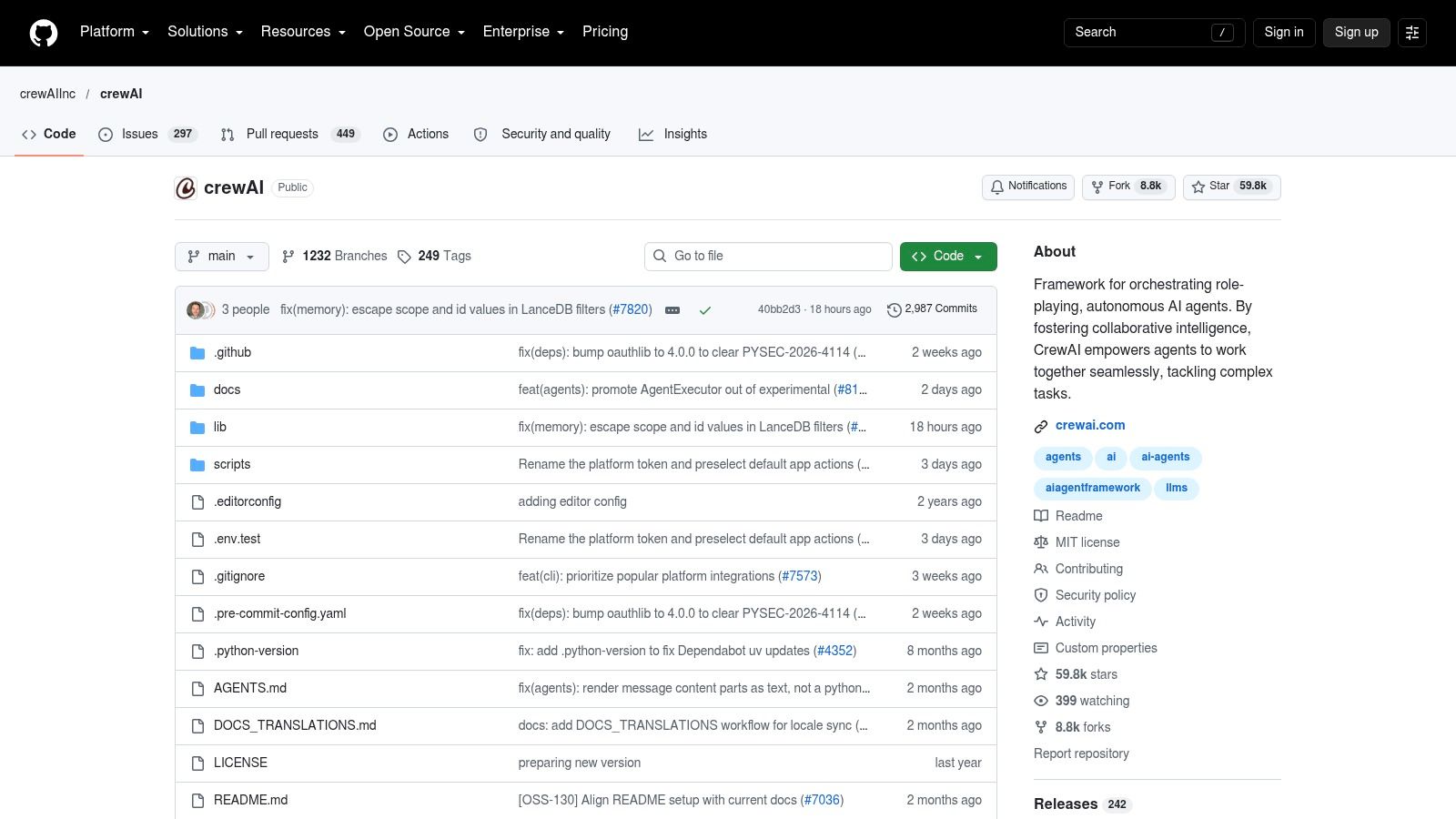
CrewAI gives multi-agent collaboration a simple mental model: assign roles, tools, and responsibilities to agents, then organize them into crews or event-driven flows. That structure can make a research-and-review workflow approachable for Python teams that want specialized agents rather than one agent handling every step.
For example, a research agent can gather material, while an editor agent checks whether the result answers a defined question. CrewAI includes tools and examples for multi-agent applications. An optional enterprise runtime provides a governance path, but the enterprise platform is sales-led and quote-based, so teams should distinguish carefully between open-source capabilities and what production deployment will require.
Use roles only when roles add control
A role is useful when it creates a meaningful boundary, such as separating retrieval from approval. It is less useful when several agents repeat the same reasoning with different names. Each handoff adds coordination work and another place for a workflow to fail.
from crewai import Agent, Crew, Task

researcher = Agent(role="Researcher", tools=[search_docs])
reviewer = Agent(role="Reviewer", tools=[check_claims])
task = Task(description="Research the request and verify evidence.", agent=researcher)
crew = Crew(agents=[researcher, reviewer], tasks=[task])
The API evolves quickly, which can leave rough edges, so pin versions and test integrations before building a large workflow. Start with a single crew task, measure whether the role split improves the result, and add event-driven flow control only when the process needs it. For production, verify which governance and runtime features are included in the open-source framework and which depend on the enterprise offering.
6. Haystack Agents
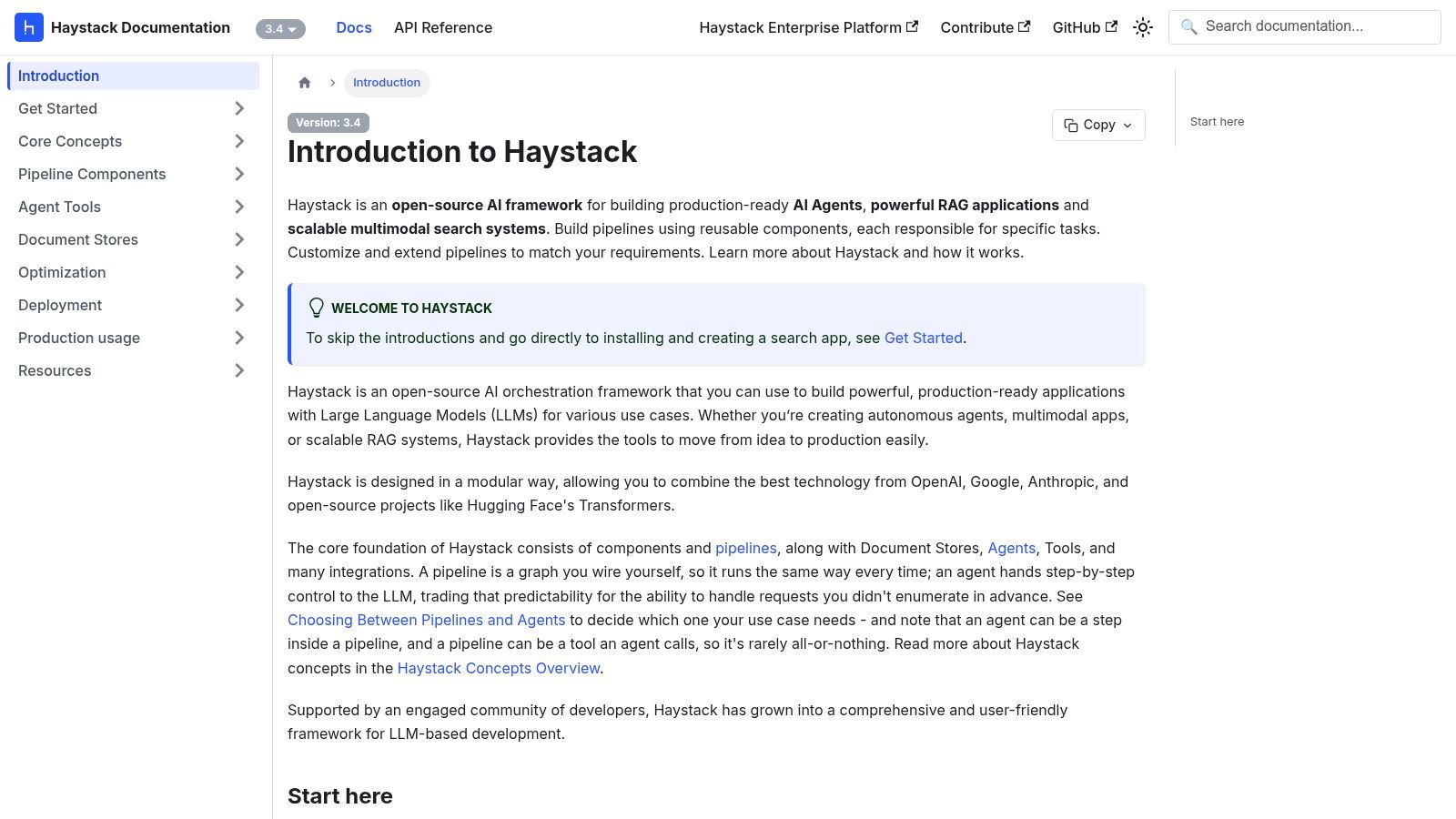
Haystack is a strong fit when an agent belongs inside a search or RAG system rather than standing apart from it. Its open-source framework combines agents and tool invokers with pipelines, modular components, document stores, and retrieval capabilities. Teams can also use its multimodal capabilities where the application needs to process more than text.
A knowledge-support assistant can retrieve documents from a document store, use an agent to choose an approved tool, and pass the result into a pipeline for validation or formatting. That composability is valuable when an organization already has search infrastructure and wants to evolve a retrieval application rather than replace it with an agent framework.
Plan the production boundary
Haystack's Enterprise Platform offers options for managed, on-premises, or air-gapped deployment, alongside deployment, governance, and observability capabilities. Some enterprise features require the paid platform. The open-source framework can involve more YAML configuration and plumbing than a minimal SDK, so account for setup and maintenance effort.
# Illustrative Haystack-style pipeline structure.
pipeline = Pipeline()
pipeline.add_component("retriever", retriever)
pipeline.add_component("agent", agent)
pipeline.connect("retriever.documents", "agent.documents")
Keep retrieval, tool invocation, and policy checks as distinct components where possible. That makes it easier to test whether an incorrect result came from stale documents, a retrieval choice, or an agent action. Haystack suits teams that value a modular data pipeline and are prepared to own its configuration.
7. Hugging Face smolagents
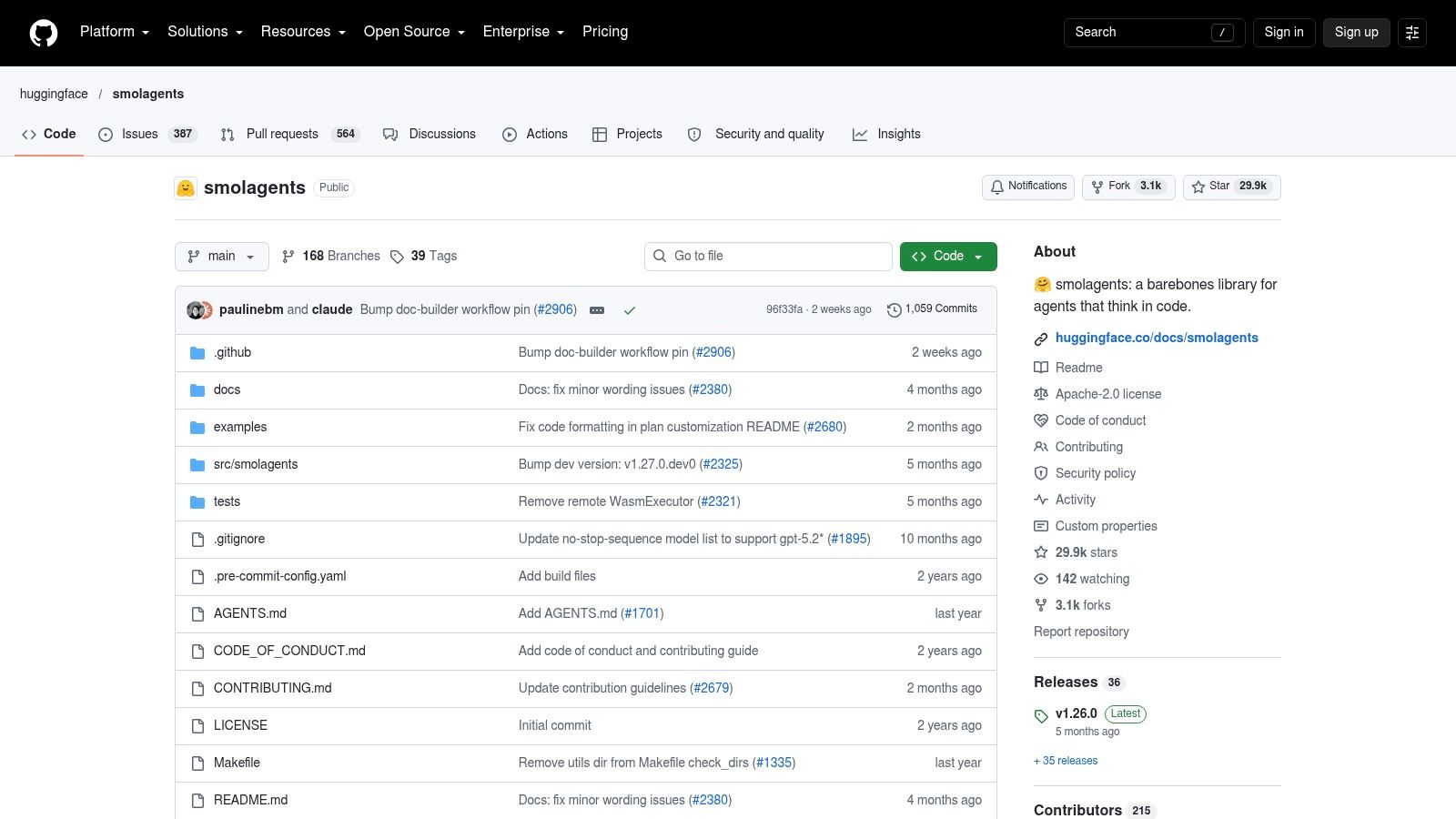
When a team wants a small, inspectable agent library, smolagents keeps the framework surface area modest. It offers CodeAgent and ToolCallingAgent options, supports a range of model providers through LiteLLM, and includes integrations for MCP, the Hub, and multimodal inputs. Its model flexibility makes it useful for experiments with local and open models as well as hosted providers.
Code execution is a key differentiator. Teams can use sandbox backends such as E2B, Modal, or Docker, but the sandbox choice is also a security choice. The library is free to use, while model and sandbox services may incur costs.
Keep code execution contained
A code-running agent can help with tasks such as transforming data or generating a small analysis, but don't grant it broad filesystem, network, or credential access by default. Persistence and evaluations largely need to be assembled separately, and security hardening depends on the selected sandbox.
from smolagents import CodeAgent, LiteLLMModel

model = LiteLLMModel(model_id="your-provider/your-model")
agent = CodeAgent(tools=[safe_lookup], model=model)
result = agent.run("Summarize the approved records.")
The framework's small core is easy to customize and audit, but that flexibility shifts responsibility to the application team. Add logging, bounded execution, and tests for tool permissions before using it against real data. It's a good fit for a contained prototype, especially when model choice and inspectability matter more than out-of-the-box workflow management.
8. Griptape Framework
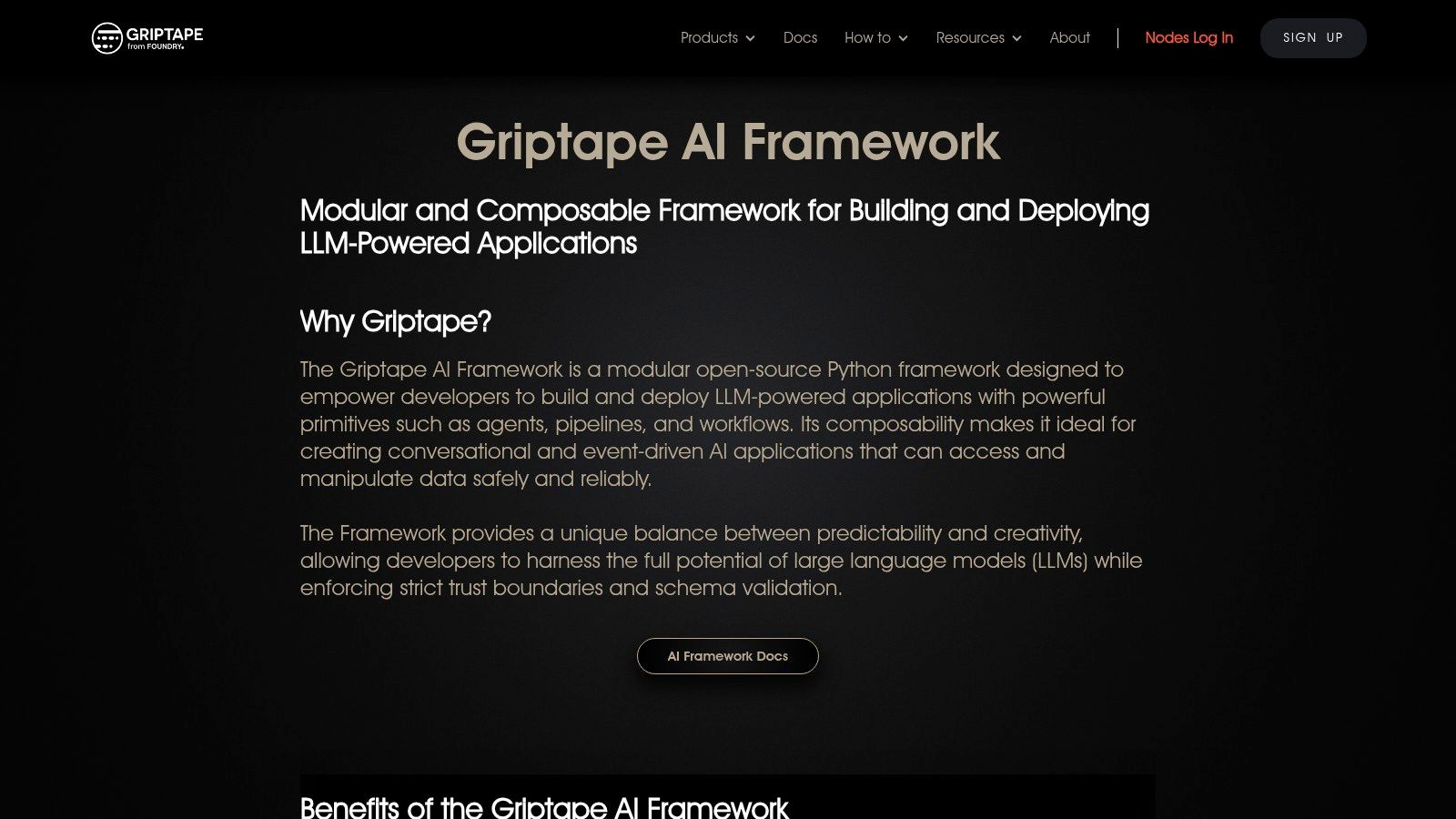
Griptape is built for teams that want modular agents, pipelines, and workflows with explicit attention to trust boundaries and structured data handling. Its drivers connect language models and tools, while data loaders, chunkers, artifacts, and memory strategies support workflows that process material outside the prompt itself.
That makes it a reasonable choice for event-driven or ETL-like applications. For instance, a process can load incoming documents, extract structured artifacts, and route a validated result to a downstream tool. The open-source framework is available for teams that want to operate it themselves, with managed deployment and operations available through Griptape AI Cloud.
Prefer predictable data movement
Schema validation and trust boundaries are useful when a workflow handles sensitive or structured inputs. They don't remove the need for application-level security, but they encourage a design in which data and tool calls have explicit shapes rather than being passed around as unstructured text.
# Illustrative structure for a staged workflow.
pipeline = Pipeline()
pipeline.add_task(load_records)
pipeline.add_task(extract_structured_data)
pipeline.add_task(validate_schema)
Griptape's community is smaller than those around LangChain or LlamaIndex, and some advanced features are split between the open-source framework and its cloud service. Evaluate the exact deployment path you need before designing around managed capabilities. Its fit is strongest when composability and controlled data handling matter more than ecosystem size.
9. AgentScope
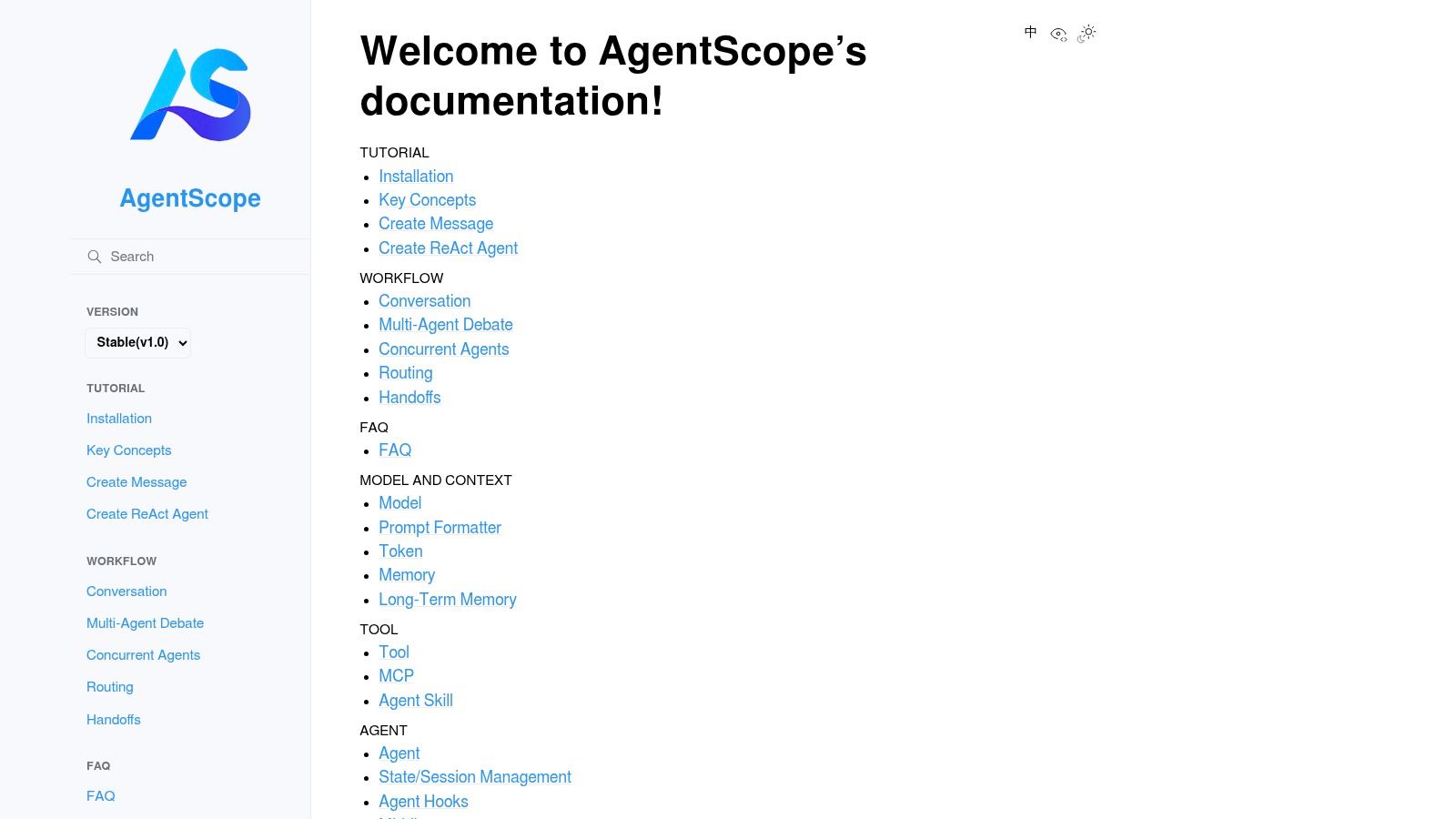
AgentScope is a developer-focused, open-source option for teams exploring tool-using agents and multi-agent collaboration. It offers ReAct-style agent patterns, tutorials, and an optional AgentScope Studio workbench. The building blocks suit experimentation with agent-environment interactions, especially when developers want to inspect different collaboration patterns rather than start from a high-level enterprise abstraction.
A prototype might split a task between an agent that gathers information and another that checks or transforms the result. AgentScope's documentation and examples can help teams explore those boundaries, but the framework's smaller community and US enterprise footprint mean production teams should expect to build more of their own scaffolding.
Prototype the collaboration, not just the conversation
# Illustrative structure. Use the current AgentScope API for concrete classes.
research = make_agent("Research", tools=[search])
validator = make_agent("Validator", tools=[verify])
result = run_collaboration([research, validator], task="Review the request.")
The example's important feature is the division of work, not the number of agents. Add clear input and output contracts between agents, and make tool access explicit. Before deploying beyond a prototype, add persistence, tracing, permission checks, and failure recovery that match the workflow's risk.
AgentScope can help teams learn whether a multi-agent design is useful, but it doesn't eliminate the engineering required to operate that design. If the application needs mature enterprise controls from the start, compare the required scaffolding with a framework whose production tooling is already part of your chosen deployment path.
10. OpenHands Software Agent SDK
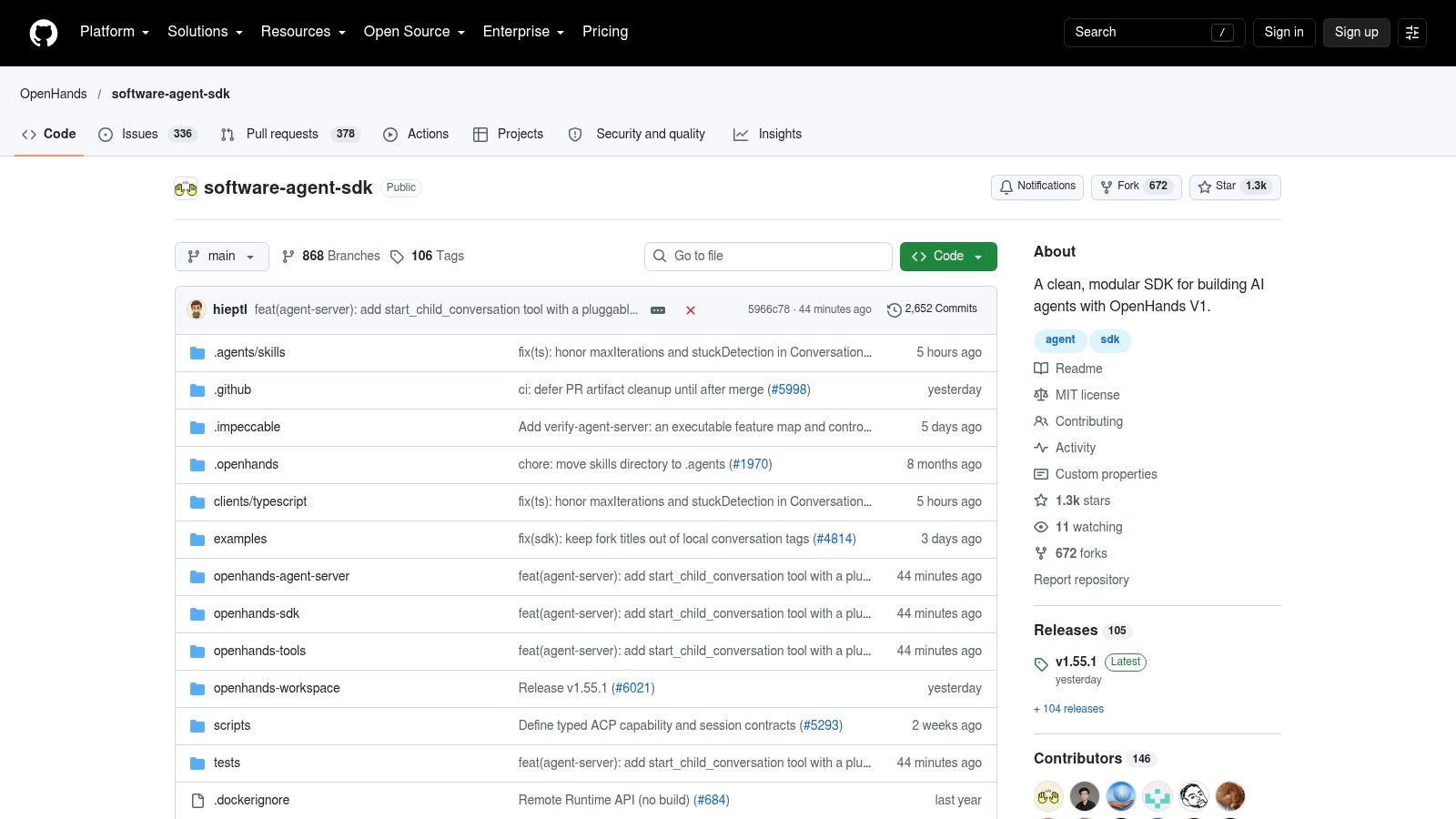
OpenHands Software Agent SDK is a specialized option for code-focused systems. Derived from the OpenHands developer-agent platform, it provides composable Agent, Tool, Conversation, and Workspace primitives for software engineering automation. Its examples and integrations target work such as repository changes and CI tasks, rather than general-purpose business workflow orchestration.
That focus is useful when an agent needs to inspect a codebase, make a proposed change, and participate in a development workflow. The SDK is free to use, while model providers and infrastructure may incur costs.
Bound repository work carefully
# Illustrative structure for a repository task.
workspace = Workspace(path="./repo")
agent = Agent(tools=[read_file, run_tests, propose_patch], workspace=workspace)
result = agent.run("Find and propose a fix for the failing test.")
A repository agent should work in a constrained workspace and should not receive credentials or write access beyond its task. Model-agnostic design, self-hosting, and auditability are useful for teams that need control over the development environment. The narrower focus is a benefit for engineering tasks, but it makes OpenHands a less natural fit for customer support or analytics agents.
Enterprise SSO and governance may require additional tooling. Treat the SDK as a foundation for a code-agent workflow, then integrate it with your existing repository permissions, CI checks, and review process before allowing changes to move toward deployment.
Top 10 Agentic AI Frameworks: Feature Comparison
| Agent Framework | Core Strengths & Unique Features | Best-Fit Audience | Developer Experience & Considerations | Pricing & Value |
|---|---|---|---|---|
| OpenAI Agents SDK | Lightweight agent orchestration, tools, handoffs, guardrails, and tracing ✨ | 👥 Teams building with OpenAI models | ★ Minimal abstractions; other providers and isolated deployments may need extra work | 💰 Free SDK; model and API usage costs apply |
| LangGraph | Stateful, cyclic workflows with checkpointing, memory, and recovery ✨ | 👥 Teams needing complex, resilient agent workflows | ★ Flexible and mature; steeper learning curve | 💰 Open source; LangSmith evaluation and observability are paid options |
| LlamaIndex Agents and Workflows | Data-centric agents, RAG, document connectors, and workflow orchestration ✨ | 👥 Knowledge-heavy and document-intensive applications | ★ Strong data tooling; advanced workflows can become complex | 💰 Open-source core; LlamaCloud services may cost extra |
| Microsoft Agent Framework (MAF) | Multi-agent orchestration for Python and .NET; Microsoft ecosystem integrations ✨ | 👥 Enterprise teams using Azure or .NET | ★ Enterprise-oriented; evolving features and Azure-first examples may require adaptation | 💰 Open source; model and infrastructure costs vary |
| CrewAI | Role-based agent crews, hierarchical control, and event-driven flows ✨ | 👥 Teams seeking an approachable multi-agent model | ★ Simple mental model; rapid API changes may create rough edges | 💰 Open-source framework; enterprise runtime is quote-based |
| Haystack Agents | Agents and pipelines combined with document stores, retrieval, and multimodal support ✨ | 👥 Organizations building search and RAG systems | ★ Production-focused options; may require more configuration | 💰 Open source; enterprise deployment and governance are paid |
| Hugging Face smolagents | Minimal, model-agnostic agents with code execution and sandbox options ✨ | 👥 Teams experimenting with local or open models | ★ Small and customizable; persistence and evaluation need extra setup | 💰 Free library; model and sandbox services may cost extra |
| Griptape Framework | Modular agents and workflows emphasizing trust boundaries and data handling ✨ | 👥 Teams prioritizing safety, composability, and ETL-like workflows | ★ Predictable data patterns; smaller community | 💰 Open source; managed cloud deployment is paid |
| AgentScope | Flexible multi-agent interactions, ReAct patterns, and optional Studio workbench ✨ | 👥 Developers exploring collaboration patterns and research use cases | ★ Useful building blocks; production scaffolding may be needed | 💰 Open source; production infrastructure may add costs |
| OpenHands Software Agent SDK | Code-centric agents with repository, workspace, and CI-oriented primitives ✨ | 👥 Teams automating software engineering tasks | ★ Model-agnostic and self-hostable; narrower business workflow scope | 💰 Free SDK; model and infrastructure costs apply |
Build a Small Proof Before You Commit
Start with one measurable use case, such as routing support requests, researching enterprise documents, or executing a controlled repository task. Choose the framework that matches the workflow: a lightweight SDK for a bounded tool loop, a stateful graph when recovery and branching matter, a data-centric framework for document-heavy work, or a code-focused SDK for repository tasks.
Build the smallest prototype that can exercise real tools and representative data. Don't judge it only by whether it returns a plausible answer. Test whether it completes the task reliably, handles missing or conflicting information, recovers from a failed tool call, and escalates safely when it reaches a boundary.
Test the operating conditions
Include latency, inference and infrastructure cost, state recovery, permissions, and observability in the evaluation. Check which tool calls occurred, what data informed the result, and whether a human can intervene before a consequential action. These checks expose integration and governance problems that a polished demo can hide.
Enterprise adoption is advancing, but many deployments remain concentrated in pilots and selected workflows. In PwC's May 2025 survey of 308 U.S. executives, 79% said their companies had adopted AI agents, while 35% reported broad adoption and 17% said agents were fully adopted across nearly all workflows and functions. The gap is a reminder to value operational fit over framework novelty. (PwC's survey of U.S. executives on AI agents)
Practical rule: Give an agent only the tools and permissions it needs to complete the pilot's task. Add autonomy only after your team can observe, evaluate, and reverse its actions.
Keep governance in the architecture
Treat permissions, approval gates, tracing, and rollback as runtime engineering requirements, not policy documents that sit beside the application. A 2025 global enterprise survey reported that 78% of organizations did not always trust agentic systems, while 69% said AI projects failed to reach live operational use. Those findings make it sensible to test access controls, failure containment, and reproducible evaluation before expanding a prototype. (Enterprise findings on agentic AI trust and deployment)
Use bounded, auditable workflows first. A support-routing agent might recommend a team without sending a customer response; a document assistant might retrieve and summarize records without changing them; a repository agent might propose a patch while leaving merge approval to a developer. These designs let teams assess task completion, human overrides, latency, and operating cost before expanding an agent's authority.
Framework selection should end with evidence from your own environment. If the prototype works only with mock tools, clean data, and uninterrupted model access, it hasn't yet demonstrated production fit. Build the proof against the systems and failure conditions the finished workflow will face, then decide whether the framework is ready to ship.


