A database migration strategy is your plan for moving data between systems. It's the roadmap that guides your shift to modern infrastructure, enabling you to harness cloud scalability and reduce operational costs while ensuring data integrity throughout the process.
Why a Database Migration Strategy is a Business Imperative
Viewing a database migration as a simple IT task misses its strategic importance. A well-executed migration is a powerful business decision that directly impacts your ability to innovate and compete. Moving off legacy systems is not just about modernization; it’s about unlocking the full potential of your most valuable asset: your data.
Achieve Innovation with Modern Data Platforms
Legacy databases were not built for the demands of modern data applications, especially in AI and machine learning. They create bottlenecks, unable to handle the massive datasets and high-speed processing required for these initiatives.
Migrating to a cloud-native platform like Snowflake prepares your infrastructure for future challenges. This move delivers specific outcomes:
- Accelerated AI/ML Initiatives: Your data science teams gain the scalable compute and storage needed to train complex models and deploy AI-powered features faster.
- Deeper Business Insights: Consolidating scattered data sources enables real-time analytics that keep pace with business operations, leading to better decision-making.
- Increased Development Agility: Engineering teams can build and launch applications more quickly, free from the constraints of outdated database architecture.
A successful database migration strategy is less about moving data and more about moving the business forward. It's the foundational step toward becoming a truly data-driven organization.
Drive Efficiency and Lower Operational Costs
Beyond innovation, migrating delivers tangible financial benefits. On-premise legacy systems come with high costs for hardware maintenance, software licenses, and specialized talent.
Moving to the cloud converts capital expenses (CapEx) into flexible operational expenses (OpEx), providing greater financial predictability. This shift is driving a market boom, with the global data migration market projected to grow from USD 19.3 billion in 2024 to USD 47.7 billion by the early 2030s, as detailed in this data migration market report from 360iResearch.com. A strategic migration directly improves your bottom line, making it a critical investment in your company's future.
Choosing Your Migration Path: The Seven Key Strategies
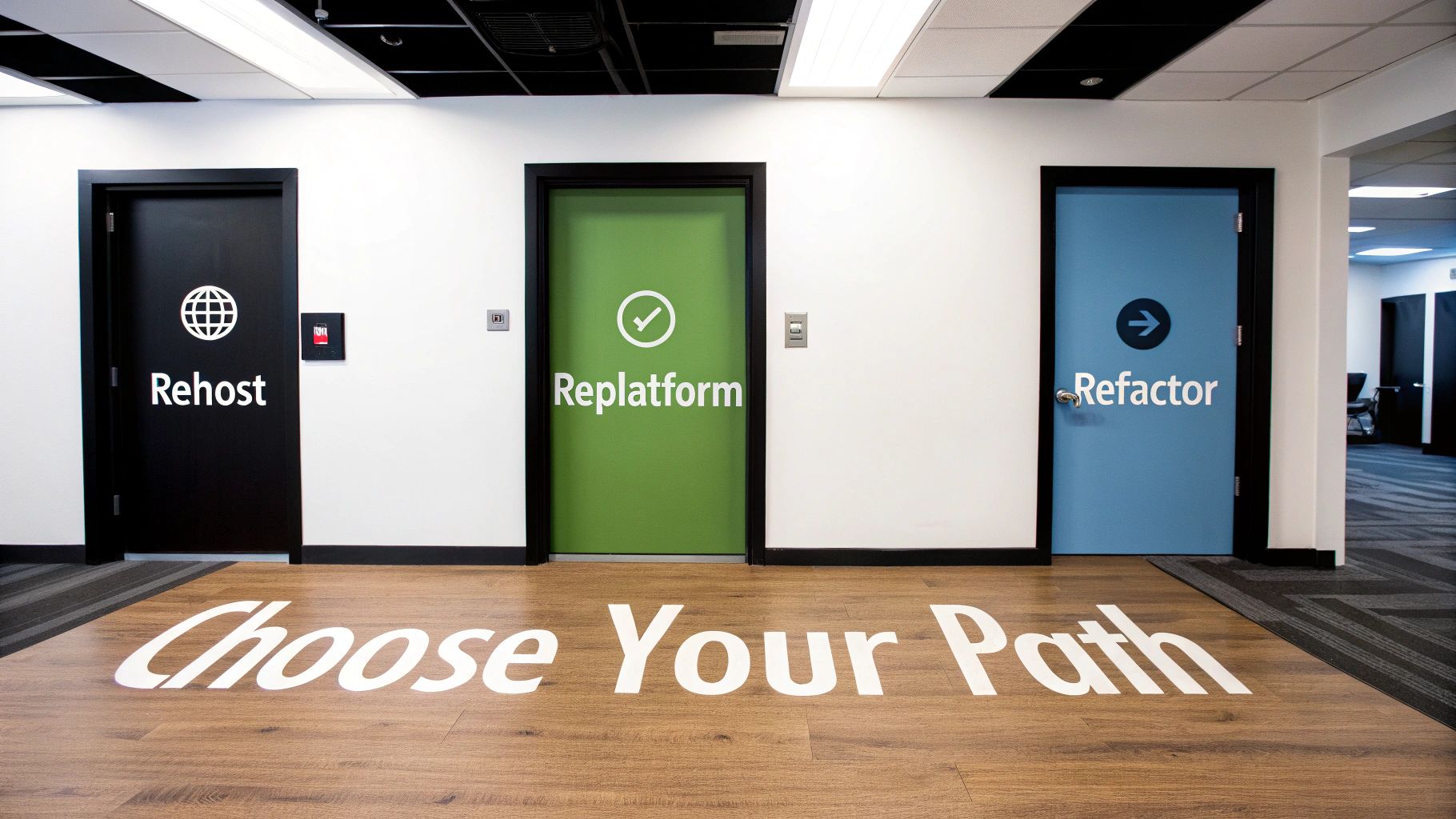
Selecting the right database migration strategy requires balancing speed, cost, risk, and long-term value. Understanding these "7 Rs of Migration" is the first step toward creating a plan that aligns with your business objectives.
H3: Rehost: The "Lift-and-Shift" Approach
Rehosting involves moving your database to a cloud environment with minimal changes, like shifting an on-premise server to a cloud virtual machine. This strategy prioritizes speed and is ideal for meeting tight deadlines, such as an expiring data center lease.
- Use Case: A retail company facing a three-month deadline to exit their data center rehosts its Oracle database onto a cloud VM.
- Outcome: The company achieves business continuity by avoiding disruption and quickly moves to a more flexible infrastructure, postponing modernization efforts.
H3: Replatform: The "Lift-and-Reshape" Approach
Replatforming builds on rehosting by making minor optimizations to leverage cloud-native features. This involves moving a database to a managed service, such as migrating an on-premise PostgreSQL instance to Amazon RDS.
- Use Case: A financial services firm replatforms its self-managed database to a managed cloud service.
- Outcome: The move eliminates administrative burdens like patching and backups, freeing up the engineering team to focus on value-added projects.
Replatforming offers the best of both worlds: immediate cloud benefits without the complexity of a full system rewrite.
H3: Repurchase: Moving to a New Solution
The Repurchase strategy involves replacing an existing application and its database with a new SaaS solution. This is a common approach for moving from a legacy on-premise CRM to a cloud platform like Salesforce.
- Use Case: A company replaces its costly, custom on-premise HR system with a modern SaaS platform, migrating only its employee data.
- Outcome: The business lowers its total cost of ownership, gains immediate access to modern features, and outsources all infrastructure management to the vendor.
H3: Refactor: The Re-architecting Approach
Refactoring is the most intensive strategy, involving a complete redesign of the application and database to be cloud-native. This approach breaks down monolithic systems into microservices to unlock maximum performance, scalability, and agility. Techniques like Change Data Capture (CDC) are essential for maintaining operations during the transition.
- Use Case: A fast-growing tech startup refactors its monolithic e-commerce platform into cloud-native microservices.
- Outcome: The company achieves unparalleled scalability to handle traffic spikes, accelerates feature development, and future-proofs its architecture.
H3: Relocate, Retain, and Retire: The Other Strategic Options
These three strategies help manage your entire IT portfolio during a migration initiative.
- Relocate: A hypervisor-level move of VMs between cloud regions to improve latency or disaster recovery without altering the database itself.
- Retain: The decision to keep an application on-premise due to strict compliance, data residency laws, or the high risk of moving a fragile legacy system.
- Retire: The process of decommissioning applications that no longer provide business value, which cuts costs, reduces complexity, and closes security gaps.
Comparing Core Database Migration Strategies
This table summarizes the trade-offs of each strategy, helping you align your technical approach with your business needs.
StrategyBest ForDowntime RiskCostComplexityRehostSpeed, meeting deadlines, minimal changeLowLowLowReplatformGaining cloud benefits (e.g., managed services) without a full rewriteLow-ModerateModerateModerateRepurchaseMoving to a SaaS model, replacing legacy softwareVariesHigh (license)Low-ModerateRefactorMaximizing cloud-native benefits, long-term scalability and agilityHighVery HighVery HighRelocateInfrastructure optimization, disaster recoveryVery LowLowLowRetainCompliance, high-risk legacy systems, low business valueNoneVery LowNoneRetireDecommissioning unused or obsolete applicationsNoneSavingsLow
Choosing deliberately from these options ensures your migration effort is perfectly aligned with your business goals, budget, and risk tolerance.
How to Select the Right Migration Strategy
Selecting a database migration strategy is a business decision driven by your specific goals and constraints. The right choice is not about finding a universally perfect method but one that fits your operational reality.
Evaluating Risk and Downtime Tolerance
The most critical factor is your application's sensitivity to downtime. For a mission-critical e-commerce platform, minutes of outage can mean significant revenue loss. In contrast, an internal analytics tool can likely withstand an overnight maintenance window.
To determine your tolerance, quantify the:
- Financial Impact: The direct cost to the business for every hour the application is unavailable.
- Customer Experience: The effect of downtime on user trust and retention.
- Operational Disruption: Which internal processes will stop if the database is offline.
Your answers will determine whether you need a zero-downtime strategy (phased migration) or if a simpler "big bang" approach is feasible.
Balancing Cost, Complexity, and Long-Term Goals
Every migration strategy involves a trade-off. A simple "lift-and-shift" is fast and cheap upfront but may not deliver long-term value. A full refactor is expensive and complex but maximizes scalability and performance.
Aligning your technical path with business goals is non-negotiable. A strategy that looks brilliant on a whiteboard but fails to meet budget or timeline realities is a strategy destined for failure.
Define your long-term vision. Are you simply exiting a data center, or are you re-architecting for future growth? If your goal is to enable new AI capabilities, a simple rehost is insufficient. If cost savings are the primary driver, a replatform to a managed service may offer the best return.
Once you’ve defined your strategy, explore the best database migration tools to ensure a smooth transition. These tools reduce manual effort and lower the risks associated with data transfer and validation.
Your Migration Playbook From Planning to Cutover

A successful migration is 90% preparation and 10% execution. A detailed playbook turns this complex project into a predictable process, ensuring no surprises at cutover.
Phase 1: Pre-Migration Discovery and Mapping
Before moving any data, you must understand your current landscape. This discovery phase prevents critical dependencies from being overlooked. Document every data structure, relationship, and dependency, including how applications interact with the data and any business logic hidden in stored procedures.
Next, perform detailed schema and data mapping to translate your source database structure to the target system. This step includes:
- Data Type Translation: Mapping old data types to their equivalents in the new environment.
- Schema Adjustments: Determining how to combine, split, or restructure tables.
- Transformation Logic: Documenting all business rules applied during the data move.
The goal of pre-migration is to eliminate ambiguity. A clear plan for how data will be extracted, transformed, and loaded is the foundation of a smooth migration.
Phase 2: Building and Testing the Migration Pipeline
With a clear map, build the ETL (Extract, Transform, Load) or ELT (Extract, Load, Transform) pipelines that will move the data. Rigorous, multi-stage testing is non-negotiable to ensure data integrity and system performance. A solid testing plan includes:
- Unit and Integration Tests: Verify that migration scripts and the complete pipeline function as expected.
- Volume and Performance Tests: Use realistic data volumes to ensure the new system can handle production loads.
- Data Quality Validation: Implement automated checks like record counts and checksums to confirm that source and target data match perfectly.
Bringing in a specialized partner can accelerate this phase. For example, collaborating with a Snowflake Partner like Faberwork provides expertise to build and validate high-performance data pipelines faster.
Phase 3: The Cutover and Rollback Plan
The cutover is the moment you switch to the new system. A detailed, rehearsed cutover plan is your safety net, outlining every step, dependency, and responsible party. This plan should be a minute-by-minute script for the live event.
Equally important is a rollback plan. If anything goes wrong, you need a pre-tested way to revert to the old system immediately. A well-rehearsed rollback strategy is what separates a minor hiccup from a major business disruption.
Common Migration Patterns for Snowflake

Migrating to a platform like Snowflake is an opportunity to redesign your data architecture. To maximize its value, embrace Snowflake's native patterns rather than simply replicating your old setup.
Streamline Data Ingestion with Snowpipe
Legacy data warehouses rely on slow, batch-based loading. Snowpipe, Snowflake’s continuous data ingestion service, automates data loading as soon as it arrives in cloud storage, ensuring your analytics are always based on the most current information.
- Use Case: An e-commerce company uses Snowpipe to ingest clickstream data in real-time.
- Outcome: The marketing team can monitor site activity and adjust campaigns instantly, leading to a measurable increase in conversion rates.
Decouple Storage and Compute with Virtual Warehouses
Snowflake separates storage and compute, allowing you to use virtual warehouses—on-demand compute clusters that can be scaled up or down in seconds. This means you only pay for the processing power you use.
- Use Case: A large enterprise uses separate virtual warehouses for its finance and data science teams.
- Outcome: The finance team can run massive month-end reports without impacting the performance of the data science team's model training, ensuring productivity for all users.
The ability to instantly scale compute resources up for heavy workloads and down during idle periods is the single most effective way to control costs and ensure performance in Snowflake.
This architectural shift is especially valuable when dealing with massive datasets, a challenge we solved in our work with time-series data with Snowflake.
Accelerate Development with Zero-Copy Cloning
Creating new development or test environments used to take days or weeks. Snowflake’s Zero-Copy Cloning allows you to create a complete, writable copy of any database in seconds without duplicating storage.
- Use Case: A financial services firm needs to test new compliance logic against its production dataset.
- Outcome: Instead of a week-long data copy process, they use Zero-Copy Cloning to provide each QA engineer with an isolated environment in minutes, dramatically accelerating the testing cycle.
Got Questions About Database Migration? Let's Get Them Answered.
Even with a solid plan, questions arise. Here are concise answers to common concerns about database migration strategies.
How Long Does a Typical Enterprise Database Migration Take?
The timeline depends on data volume, complexity, and the chosen strategy. A simple lift-and-shift of a moderately sized database might take a few weeks to a couple of months. In contrast, a full refactor of a mission-critical system with petabytes of data can take six months to over a year.
Key factors that influence the timeline include:
- Schema Transformation: The more the data structure needs to change, the longer it will take.
- Pipeline Rewrites: Rebuilding ETL/ELT pipelines for the new system is a significant project.
- Testing and Validation: Rigorous, multi-stage testing is non-negotiable and requires dedicated time.
- Regulatory Windows: Compliance rules can dictate go-live dates, extending the overall schedule.
For large projects, a phased approach reduces risk by breaking the migration into smaller, manageable stages.
What Are the Most Common Risks in a Database Migration Project?
The most common risks are data integrity issues, unexpected downtime, poor post-migration performance, and budget overruns. Data loss often results from poor data mapping or inadequate validation. Extended downtime is typically caused by unrehearsed cutover and rollback plans.
The greatest defense against migration risk is not a perfect plan but a well-rehearsed one. Comprehensive testing of your data validation, cutover, and rollback procedures is the ultimate safety net.
Poor performance after migration occurs when the new database is not properly tuned or queries are not optimized for the new architecture. Budget overruns are common when the effort for data cleansing, application code remediation, and testing is underestimated.
What Is the Difference Between Replatforming and Refactoring?
The key difference is the degree of change.
Replatforming is like a renovation. You make targeted upgrades to gain cloud benefits while keeping the core application and schema largely intact. An example is moving an on-premise Oracle database to a managed service like Amazon RDS for Oracle. The main outcome is reduced operational overhead.
Refactoring is a complete rebuild. You redesign the application and database to be cloud-native, often by breaking a monolith into microservices. While more complex and expensive, the outcome is maximum scalability, agility, and performance, fully unlocking the power of the cloud.


